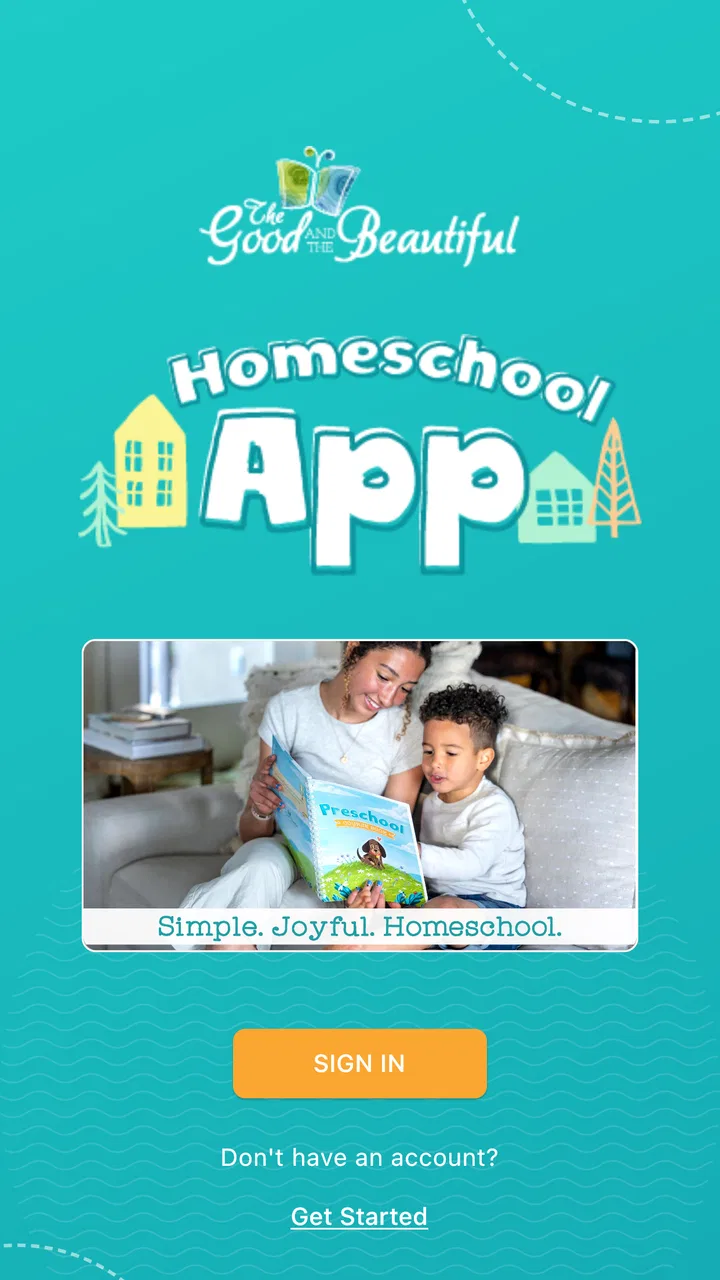
Homeschool: Good & Beautiful
- 3.5
- Rating
- 100.00K
- Installs
- Free
- Price

 Analysis by App-foxy
I approached Homeschool: Good & Beautiful as a practical companion for families already interested in The Good and the Beautiful’s learning materials, rather than as a complete teaching platform on its own. That distinction matters. The app is free, aimed at everyone, and sits in the Education category, but its value comes from connecting parents with related media and the developer’s online store. It is less like a full digital classroom and more like a mobile doorway into an established homeschool system.
After using it, my impression is that it works best when a parent already knows what they want to explore. The app can make browsing more convenient, especially when a child’s lesson points toward supporting content or when I want to check materials away from a computer. However, someone expecting lesson planning, progress tracking, interactive tutoring, or a complete replacement for printed curriculum may find the experience narrower than the word “homeschool” suggests.
How the app fits into a real homeschool routine
The most useful way to think about this app is as a resource hub. The Good and the Beautiful has built its identity around homeschool materials, and this application brings two related activities together: finding correlated media and visiting the online store. In everyday use, that can reduce the small interruptions that often slow down home education. Instead of stopping a lesson to search separately for a recommended video, audio item, or related resource, I can use the app as the next step in the same workflow.
You May Also Like

 Blood Strike: 2.5 Anniversary
Blood Strike’s Loadouts Turn Every Drop Into a Tactical Gamble
A close look at Blood Strike’s custom loadouts: how fast access to signature weapons reshapes its battle royale rhythm, rewards preparation, and narrows the gap between fights.

 Pandora - Music & Podcasts
Pandora’s Music Is Easy to Start, but Harder to Recover
Pandora’s strength is its low-effort path from a seed to a station. Its weak spot is how much confidence it asks you to place in connection, setup, and quiet recovery.

 8 Ball Pool
 Is Built on Rivalries, Rematches, and Routine
A close look at the rivalries, rematches, shared routines, and unanswered safety questions that turn a quick pool match into a persistent mobile community.

 Samsung Music
’s Quiet Strength Is Playing What You Already Own
Its reach comes less from spectacle than from dependable access to a personal library. That simplicity is both the app’s strongest retention engine and its ceiling.

 AccuWeather: Weather Radar
AccuWeather Review: A Quick, Clear Forecast for Everyday Decisions
For everyday plans, the best forecast is the one you can understand quickly. AccuWeather makes rain timing, radar, and local conditions easy to act on, with a few trade-offs.

 Hill Climb Racing
Why Hill Climb Racing Still Turns Crashes Into One More Run
A tiny car, a bumpy hill and one more upgrade: Hill Climb Racing keeps resurfacing because its simple chaos makes every near-miss feel personal.
More From Our News Desk



A realistic example would be a parent working through a science or language lesson at the kitchen table. The printed material may suggest something connected to the topic. Rather than opening several browser tabs and trying to remember which resource belongs with which lesson, the parent can turn to the app’s media area and continue from there. Later, if the family decides that a book, course, or supplementary item would help, the store section keeps that shopping task close at hand.
That convenience is modest, but it is meaningful. Homeschooling often involves many small decisions, and a well-organized companion app can help keep those decisions attached to the curriculum instead of scattered across unrelated services. I would not describe this as a dramatic transformation of teaching. I would describe it as a smoother way to move between learning material, supporting media, and the place where families obtain additional resources.
A focused tool rather than a complete school
The app’s focus also explains its limits. I did not treat it as a substitute for a parent’s lesson plan, a learning management system, or a video-conferencing classroom. Its role is closer to discovery and access. Parents still need to decide what their children should study, how quickly to move, how to adapt activities, and how to judge understanding.
This makes it a better fit for families who appreciate a guided curriculum but still want to manage the teaching themselves. It is especially suitable for a household that already uses materials from The Good and the Beautiful and wants a single mobile place for related content and shopping. If your routine is built around several unrelated publishers, the app may feel less central because its usefulness is tied closely to one educational ecosystem.
I also think the app is more helpful for parents than for children. A child may benefit from media reached through it, but the main decisions—what to open, what to buy, and how to connect a resource to a lesson—belong to the adult. That makes the app practical as a parent-facing tool, not necessarily something I would hand to a young learner as an independent study environment.
What the current version tells me
The current version is 1.8.4, and the app has been available since June 4, 2022. Those details suggest a product that has had time to establish its basic purpose rather than a brand-new experiment. Its present identity is clear: a free education app from The Good and the Beautiful that supports access to its media and store.
The public response is mixed but substantial enough to show that people are using it. It holds a 3.5 average from around 374 ratings, with about 177 written reviews, and has passed 100K installs. I read that combination as a sign of practical interest alongside uneven satisfaction. Families are clearly finding a reason to install it, but the rating also warns me not to assume that every device, workflow, or expectation will be equally well served.
Because the app is free, the main cost is not an entry fee. The more important consideration is whether its focused design matches the way a family already teaches. The application can be a useful access point, but it does not automatically make a curriculum fit a child’s age, learning style, or schedule. Parents should judge it by the time it saves and the clarity it adds, not by expecting it to solve every organizational problem in homeschooling.
Changes and product evolution in practical terms
The version history gives the app a current reference point, but I prefer to separate what is visible now from what I might hope to see later. The confirmed current release is 1.8.4; that tells me which version families should be discussing when they compare experiences. It does not, by itself, prove that every earlier inconvenience has disappeared or that a particular future improvement is guaranteed.
For an existing user, the important question is not simply whether the version number has changed. It is whether the app remains dependable when moving between media discovery and store browsing. Those are the two jobs that define the product. Updates are most valuable when they make those transitions clearer, keep content easier to locate, and reduce the need to repeat a search that a parent has already completed.
I would therefore evaluate an update through a simple routine. Open a resource connected to a current lesson, return to the main areas, search for a familiar item, and then inspect the store without losing the original context. This kind of test is more revealing than a new badge or a changed screen because it reflects how the app is likely to be used during a busy school day. If the path remains understandable, the update is serving its core purpose even if it does not add a headline feature.
There is also a useful trade-off in a focused app like this. A narrower scope can make the experience less cluttered than a general homeschool marketplace filled with unrelated publishers. At the same time, it can make the app feel incomplete to families who want one place for planning, grading, attendance, records, and communication. The product’s evolution should be judged against its intended role, not against the feature list of a completely different kind of education software.
What existing users should expect after installing it
If I were advising a parent who already owns The Good and the Beautiful materials, I would suggest installing the app at the beginning of a planning session rather than waiting until a lesson is already underway. Browse the media connected to the subjects you expect to teach, note which resources appear genuinely useful, and then use the store area separately for purchasing decisions. This prevents an immediate recommendation from turning into an impulsive shopping session.
A second helpful habit is to keep the app’s role visible to children. I would open and select media myself, especially when the item is linked to a lesson or when the device is shared by several family members. That approach keeps the parent in control of sequence and context. It also avoids treating every piece of related media as automatically necessary; a supporting resource should earn its place in the day by helping the child understand, practice, or enjoy the subject.
For families with more than one child, the app can be useful during preparation, but I would not rely on it as the sole record of who needs what. A simple paper note or separate planning system can still be valuable for tracking which child is working at which level and which materials have already been purchased. The app helps with access, while the parent remains responsible for the broader map of the household’s learning.
Another practical point is shopping discipline. Because the store is part of the same experience as the educational content, it is easy to move from “this might help” to “we should buy it.” I recommend first identifying the learning problem: a child needs more practice, a topic needs another explanation, or a lesson needs a particular companion. Then use the store to look for a targeted answer. That small pause makes the app more useful and keeps the curriculum from becoming an ever-growing collection of materials.
Where the app still leaves work to the parent
The largest gap is scope. I would not install this expecting a built-in school dashboard. Parents looking for automated progress reports, detailed student profiles, assignment queues, or a central gradebook should consider a dedicated homeschool planner or learning platform instead. Those tools may be less closely connected to The Good and the Beautiful’s materials, but they can be stronger for administration.
There is also a discovery gap for newcomers. A family unfamiliar with the developer’s curriculum may open the app and still need background knowledge to understand how resources relate to one another. A store can show what is available, and correlated media can point toward supporting content, but neither automatically explains which sequence suits a particular child. New users may need to spend time learning the broader curriculum structure before the app feels natural.
The mixed rating reinforces that I would approach the app with realistic expectations. A 3.5 average is not a reason to dismiss it, especially when the product serves a specific audience, but it is a reason to test the core workflow on your own device before reorganizing your entire routine around it. If browsing is smooth and the resources match your family’s materials, the app may become a handy daily shortcut. If you need a broad, all-in-one system, the same narrow focus may become frustrating.
Families should also think about their preferred learning format. If your children do most of their work offline with books and hands-on activities, the app may be used only occasionally for planning, media, or shopping. That is not necessarily a weakness; it simply means the application is a supporting tool rather than the center of the school day. On the other hand, if you expect a rich interactive experience for the student, a conventional educational platform designed around direct child participation may be a better match.
Who will get the most from it
I would recommend it first to parents who already recognize The Good and the Beautiful as their curriculum source. The closer your daily work is to that ecosystem, the more likely the app’s organization will feel relevant. It can be particularly convenient for a parent who plans lessons on a phone, wants quick access to related media, or prefers to browse the store without sitting at a desktop computer.
It may also suit families who are still exploring the developer’s materials and want a low-risk way to look around, since the app itself is free and carries an Everyone age rating. Free access makes experimenting easy, but I would still separate trying the app from committing to a whole curriculum. The right question is whether the materials and teaching approach fit your household, not merely whether the mobile interface is pleasant.
I would be more cautious about recommending it to a parent who wants neutrality across publishers. Since the app is developed by The Good and the Beautiful, its strongest usefulness naturally points toward that developer’s own resources. A general homeschool organizer, a library app, or a multi-publisher marketplace may offer broader choice. Those alternatives can be better when your family combines curricula from many sources and does not want one publisher’s store to shape the discovery process.
What I would watch in future updates
For the product to become more valuable without losing its focus, I would watch how clearly it connects media to the materials families are actually using. The best improvement would not necessarily be more content. It would be better context: making it obvious why a resource is relevant, when a parent might use it, and whether it is essential or simply optional enrichment.
I would also pay attention to the balance between browsing and teaching. A homeschool app should help a parent return to the lesson quickly instead of encouraging endless catalog exploration. Clearer organization, dependable movement between sections, and a calm shopping experience would matter more to me than decorative additions. These are the details that determine whether an app earns a place in a daily routine.
Existing users should watch updates with a practical eye. After installing a new release, repeat the tasks that matter most to your family: locate a familiar companion resource, move back to the main screen, and find a planned item in the store. If those actions remain straightforward, the app is preserving its usefulness. If a change makes the basic path harder, the version number alone is not a reason to change your habits.
My final view is favorable but specific. Homeschool: Good & Beautiful is a useful companion, not a complete homeschool operating system. I like it for connecting parents with related media and the developer’s store, and I can see why it has attracted over 100K installs. Its free price and Everyone rating make it easy to try, while the current 1.8.4 release gives families a clear version to evaluate.
I would recommend it to households already using The Good and the Beautiful, especially those who want a convenient mobile bridge between lessons, supporting content, and purchasing. I would skip it if my main need were detailed planning, student progress management, or a broad multi-publisher library. Used for what it is—a focused education companion from The Good and the Beautiful—it can remove a few everyday obstacles. Used as a replacement for the rest of a homeschool system, it is likely to feel too limited.
FAQs for Homeschool: Good & Beautiful
01What is Homeschool: Good & Beautiful?
Homeschool: Good & Beautiful is an educational app designed to support families who teach children at home. It brings together learning resources, curriculum guidance, activities, and organization tools in one place. The content generally focuses on creating a structured but engaging homeschool experience, helping parents plan lessons while giving children age-appropriate opportunities to practice reading, writing, mathematics, science, and other subjects.
02Is Homeschool: Good & Beautiful suitable for different ages and learning levels?
The app is intended for homeschooling families with children at different stages, but the exact availability of lessons and materials can depend on the selected curriculum, grade, or subject. Before downloading, parents should review the listed age ranges and course requirements carefully. Some activities may be better suited to independent learners, while younger children may need regular guidance and participation from an adult.
03Does Homeschool: Good & Beautiful require a subscription or additional purchases?
Some parts of Homeschool: Good & Beautiful may be available at no cost, while other courses, resources, printable materials, or premium features can require payment. Pricing and access options may vary by platform and can change over time. Families should check the current in-app purchase details, subscription terms, and whether downloadable curriculum materials are included before committing to a paid plan.
04Can parents use the app without an internet connection?
Offline access depends on the specific feature and the way the content is delivered. Certain lessons or resources may need an internet connection to load, update, or synchronize, while downloaded materials may remain available for later use. If your family studies while traveling or in an area with unreliable connectivity, check whether the desired courses can be saved offline before relying on the app for daily lessons.
05Is Homeschool: Good & Beautiful easy for parents and children to use?
The app is designed to make homeschool planning and learning more approachable, with organized educational content and activities intended for family use. However, the experience can vary depending on a child’s age, reading ability, device, and preferred learning style. Parents should expect to provide supervision, explain instructions when necessary, and combine the app with hands-on activities rather than treating it as a complete replacement for teaching.
Pros
- Structured lessons make homeschooling easier to organize.
- Includes engaging activities for different learning styles.
- Strong emphasis on character
- creativity
- and family learning.
- Many resources can be used with limited internet access.
- Suitable for parents seeking a faith-based curriculum.
Cons
- Some content may not suit secular homeschooling families.
- The full curriculum can become expensive as children advance.
- Lesson pacing may feel rigid for highly flexible homeschoolers.
- Requires preparation time before some activities and lessons.
- App availability and features may vary by device or region.

Homeschool: Good & Beautiful
Gallery